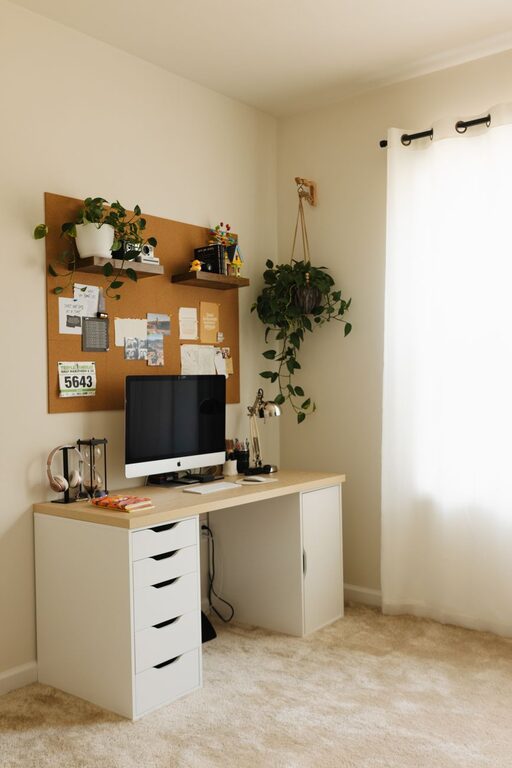
Creating a home workspace that balances comfort and productivity can make a world of difference in your daily routine. Whether you’re working remotely, managing a side hustle, or simply need a dedicated area for personal projects, a well-designed workspace boosts focus and motivation. Here are some practical tips to help you create a cozy and functional home workspace that suits your needs.
Choose the Right Location
Consider natural light
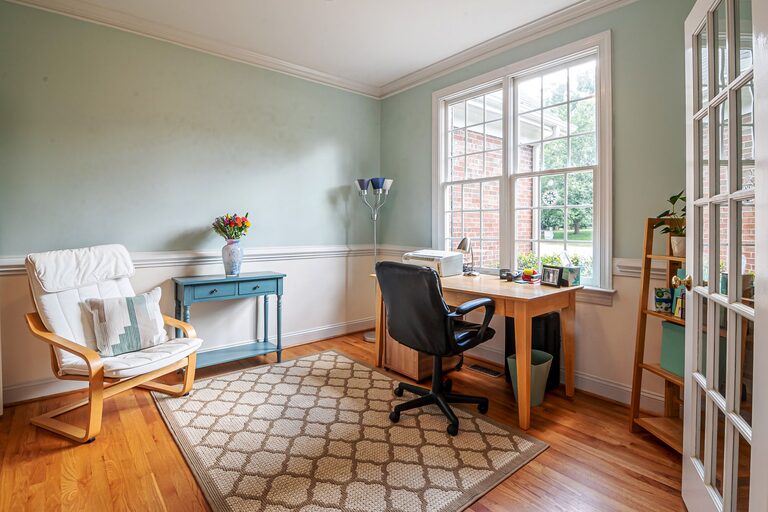
Selecting a spot with plenty of natural light can improve mood and reduce eye strain. If possible, position your desk near a window to benefit from daylight, which helps maintain your energy and focus.
Minimize distractions
Pick a quiet corner away from high-traffic areas of your home. If that’s not an option, use noise-cancelling headphones or soundproofing elements like rugs and curtains to block out noise.
Maximize available space
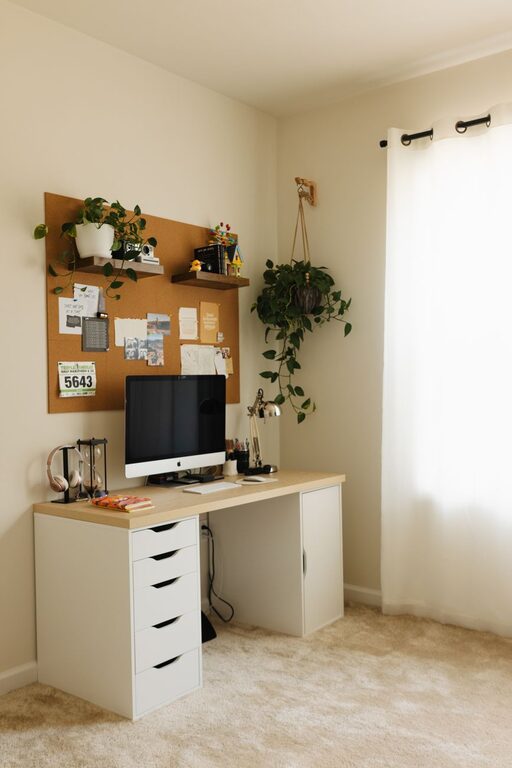
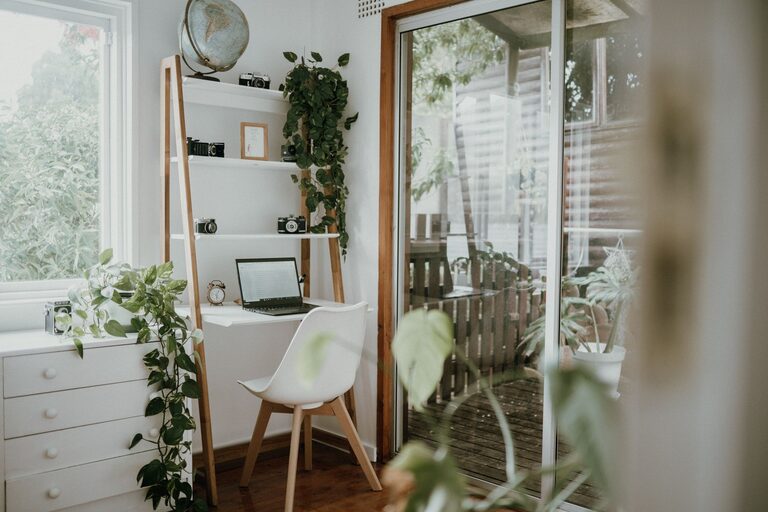
Even a small nook can become a productive workspace with the right setup. Use vertical space with shelves or wall organizers to keep the area tidy.
Invest in Comfortable and Ergonomic Furniture
Choose an ergonomic chair
An adjustable chair that supports good posture helps prevent back and neck pain during long working hours. Look for chairs with lumbar support, cushioned seats, and adjustable height.
Select the right desk
Your desk should fit your space and work style. Standing desks or adjustable options provide flexibility and promote better posture. Ensure there’s enough surface area for your computer, notebooks, and any tools you need.
Add a footrest or cushions
If your feet don’t comfortably reach the floor, a footrest can improve blood circulation and reduce fatigue. Cushions can also add extra comfort without sacrificing posture.
Organize Your Workspace Efficiently
Declutter regularly
Keep only essential items on your desk to reduce distractions. Use containers, trays, or drawers to store supplies neatly.
Use organizers and storage solutions
Desk organizers, file holders, and cable management tools keep your workspace clean and functional. Label storage boxes to quickly find what you need.
Create zones
Divide your workspace into specific zones, such as computer work, writing, and reference materials. This arrangement helps streamline your workflow.
Incorporate Personal and Cozy Touches
Choose soothing colors
Soft, neutral tones or your favorite calming colors on walls or accessories can create a peaceful atmosphere that encourages focus.
Add plants
Houseplants improve air quality and bring life to your workspace. Choose low-maintenance plants like succulents or snake plants if you’re new to plant care.
Use soft lighting
A desk lamp with adjustable brightness or warm-toned bulbs reduces eye strain and adds a cozy glow. Avoid harsh overhead lighting.
Include comforting textures
Elements such as a soft rug, a blanket draped over your chair, or cushions add warmth and make your workspace inviting.
Optimize Technology and Tools
Ensure reliable connectivity
Stable Wi-Fi is crucial for virtual meetings and online work. Consider upgrading your router or using a wired connection if necessary.
Use quality peripherals
Invest in a good keyboard, mouse, and monitor to enhance comfort and efficiency.
Manage cables
Use cable clips or covers to keep wires organized and prevent tangling.
Keep chargers accessible
Designate a spot for charging phones, tablets, or laptops to avoid clutter and stay powered throughout the day.
Maintain Healthy Habits
Take breaks
Set timers to remind yourself to stand, stretch, and take short breaks to avoid strain and fatigue.
Personalize your schedule
Plan your tasks around your natural energy levels to maximize productivity.
Stay hydrated and nourished
Keep water and healthy snacks nearby to maintain energy.
Final Thoughts
Designing a cozy and functional home workspace is all about blending practicality with personal comfort. By choosing the right location, investing in ergonomic furniture, staying organized, adding cozy touches, and optimizing your technology, you can create a space that supports your best work. Remember, your workspace should evolve with you—feel free to make adjustments to suit your changing needs and keep the environment inspiring and inviting.