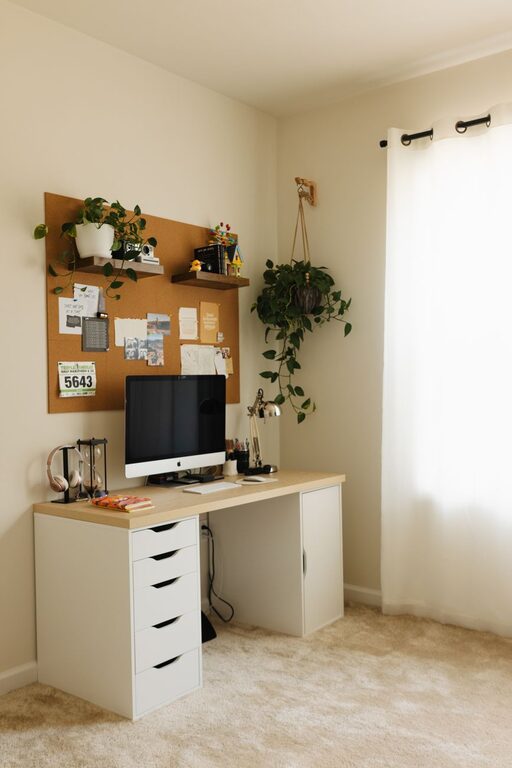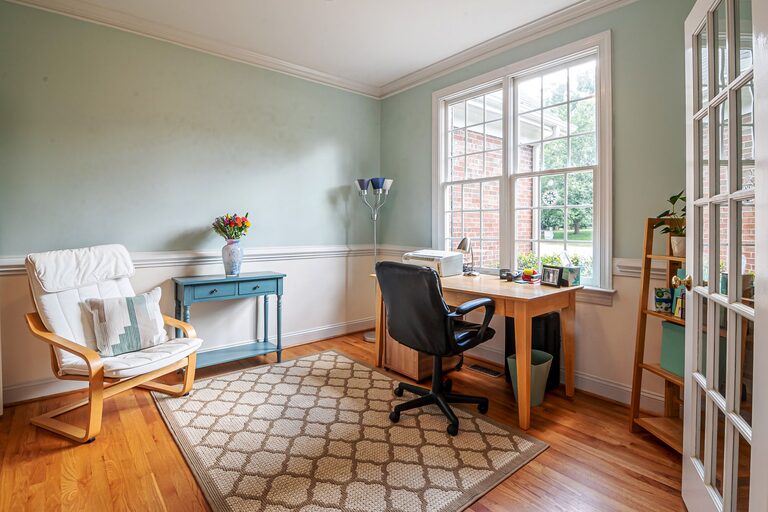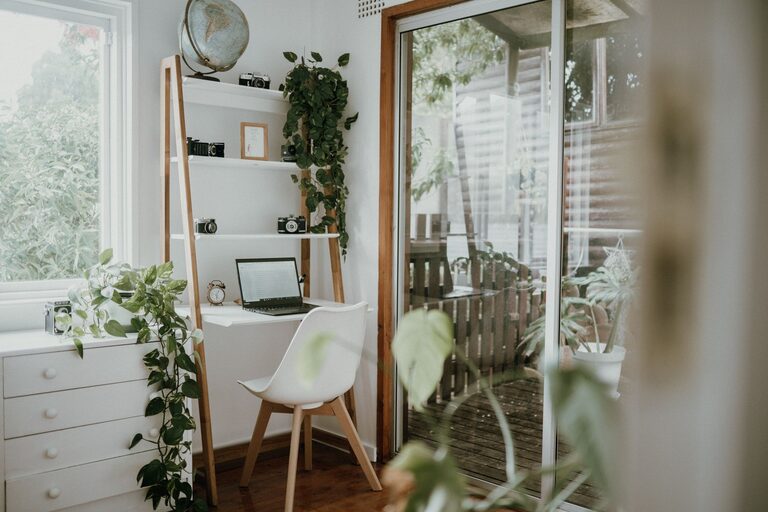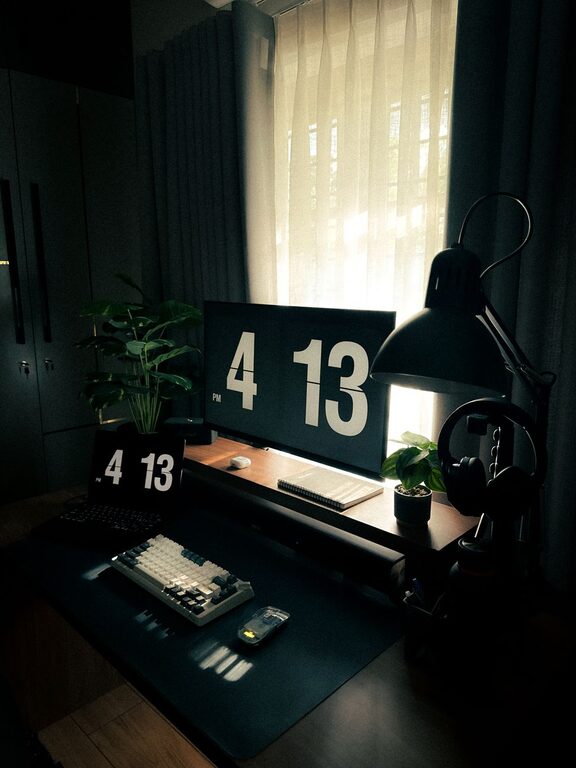
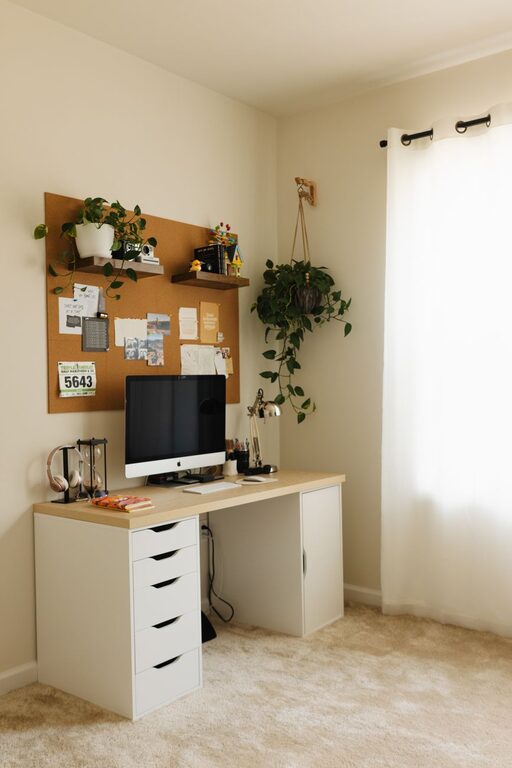
Creating a home workspace that is both cozy and productive can transform the way you work and help maintain a healthy work-life balance. Whether you are working from home full-time or need a designated spot for occasional tasks, setting up a comfortable and efficient environment is key. In this post, we will explore practical tips to help you design a home workspace that enhances focus and comfort.
Choose the Right Location
Finding the perfect spot in your home is the first step. Ideally, select a quiet area with minimal distractions where you can concentrate.
– Natural Light: Position your workspace near a window if possible. Natural light boosts mood and energy levels.
– Privacy: Choose a space away from high-traffic areas to reduce interruptions.
– Space Availability: Ensure the space is large enough for your desk, chair, and any essential equipment.
Invest in Comfortable and Functional Furniture
Furniture plays a critical role in both comfort and productivity.
– Ergonomic Chair: Invest in a chair that supports your back and encourages good posture.
– Appropriate Desk: Choose a desk with enough surface area to accommodate your computer, paperwork, and other tools.
– Adjustable Setup: If possible, consider adjustable desks or chairs to vary your posture throughout the day.
Organize for Efficiency
Clutter can be distracting and stressful. A well-organized workspace allows you to focus more effectively.
– Storage Solutions: Use shelves, filing cabinets, or drawers to keep documents and supplies organized.
– Cable Management: Keep cords and chargers neat to avoid a messy look.
– Minimalist Approach: Keep only essential items on your desk to reduce distractions.
Personalize Your Space
Adding a personal touch makes your workspace inviting and comfortable.
– Decorate with Plants: Indoor plants improve air quality and create a calming atmosphere.
– Art and Inspiration: Hang artwork or motivational quotes that inspire you.
– Soft Textiles: Cushions, rugs, or curtains can add warmth and coziness.
Control Lighting and Temperature
Proper lighting and temperature regulation improve comfort and reduce fatigue.
– Layered Lighting: Combine natural daylight with task lighting such as desk lamps.
– Avoid Glare: Position screens to avoid reflections that strain your eyes.
– Comfortable Temperature: Keep the room at a temperature where you can focus without feeling too hot or cold.
Create a Routine and Boundaries
Productivity often depends on habits and clear boundaries between work and leisure.
– Set a Schedule: Define your work hours to maintain structure.
– Breaks: Take regular breaks to rest your eyes and move around.
– Separate Workspace: Avoid working in bed or on the couch to keep work distinct from relaxation.
Use Technology Wisely
Technology supports productivity but can also be a source of distraction.
– Reliable Equipment: Ensure you have a fast internet connection and functional devices.
– Useful Apps: Use tools for time management, note-taking, and communication.
– Limit Notifications: Turn off non-essential alerts during work sessions.
Maintain Cleanliness
A clean workspace promotes calm and efficiency.
– Daily Tidying: Spend a few minutes each day clearing your desk.
– Regular Deep Cleaning: Dust and vacuum the area weekly to keep it fresh.
– Sanitize Devices: Wipe down keyboards, mice, and phones frequently.
—
Final Thoughts
A cozy and productive home workspace doesn’t require a complete makeover or expensive equipment. By choosing the right location, investing in comfortable furniture, staying organized, and personalizing your space, you can create an environment where focus and comfort go hand in hand. Remember to set boundaries and maintain your workspace regularly to keep it inviting and efficient. With these tips, your home office can become a place you look forward to working in every day.